Suica or PASMO in Tokyo? A Practical IC Card Guide for Visitors

Updated: Oct 26

Short answer: For ordinary local journeys in Tokyo, Suica and PASMO are prepaid IC cards that make paying fares easier; you do not need both.
The more useful choice is physical versus mobile, and a short-term visitor card versus a regular card. They are not automatically unlimited travel passes.
Check the exact product name before buying: Welcome Suica, TOURIST PASMO and their regular or mobile counterparts have different conditions.
The small decisions matter more than the logo: can you reliably top up, will your phone support the service, and what happens to unused money?
This guide separates those questions so you can get moving without spending your first morning comparing every card in Japan.
Start with three questions, not two brands
Do you want a physical card or a compatible phone setup? A physical card is a useful fallback if your device or payment card is not supported. A working mobile setup avoids carrying another object.
Will your trip fit the card's validity period? A short-term visitor product may be convenient, but do not choose it without checking the dates.
Do you care about getting unused value back? Refund rules differ. Keeping the balance modest is often simpler than loading your entire travel budget at once.
For a couple with different phones, the right answer need not be identical. One traveler can use a supported mobile service and another can carry a card.
Agree on where you will meet after the gates rather than trying to make everyone's setup match.
Physical card options: read the full name
Welcome Suica
The standard short-term physical Welcome Suica has no deposit and is valid for 28 days, counting the purchase date.
Ordinary unused-balance refunds are not available, and a lost card cannot be reissued. JR East publishes the current sales locations; do not rely on old reports that sales are restricted to only one airport.
Keep the reference paper supplied with the card. See JR East's purchasing and usage conditions.
TOURIST PASMO
This is a current visitor product, not the old PASMO PASSPORT name you may encounter in older articles.
The official TOURIST PASMO page lists airport purchase points at Haneda and Narita. It has no deposit, is valid for 28 days from purchase and does not offer ordinary refunds of unused value.
Cash is used for top-ups, even though designated Haneda purchase machines accept credit cards for the initial purchase. Purchase payment and later charging are different questions.
Regular physical Suica or PASMO
A regular physical card has different return conditions from a tourist card. JR East's regular Suica guide describes a refundable ¥500 deposit and a ¥220 handling fee deducted from the remaining balance when returning a JR East-issued card.
Return it to the appropriate issuer, not whichever railway counter happens to be closest.
For regular PASMO, the purchase guide explains the ¥500 deposit; the usage guide describes returning the card to refund the balance and deposit.
Ask the issuing operator about your card, especially if it includes a pass. None of these rules should be copied onto a similarly named mobile product.
These amounts are in Japanese yen because that is the currency charged by the operators. Our photography services are quoted in US dollars; these are separate purchases.
Mobile cards: compatibility before convenience
Welcome Suica Mobile is an iOS app. JR East links its supported devices, Apple Pay top-up guidance and service notices from that page.
Location settings and country restrictions may affect issuing or charging; check the current notice if setup fails before you arrive.
Do not assume that an overseas Android phone works just because it has NFC, or that every foreign payment card will successfully fund a mobile IC card.
Follow the specific product's compatibility and payment guidance. A tourist mobile app, an ordinary Wallet transit card and a physical visitor card are not interchangeable names for one set of terms.
Our practical suggestion is to test your intended setup before a time-sensitive transfer. If it does not work, choose a physical alternative or ask station staff about a ticket.
Repeatedly changing payment settings at the gates is not a good arrival plan.
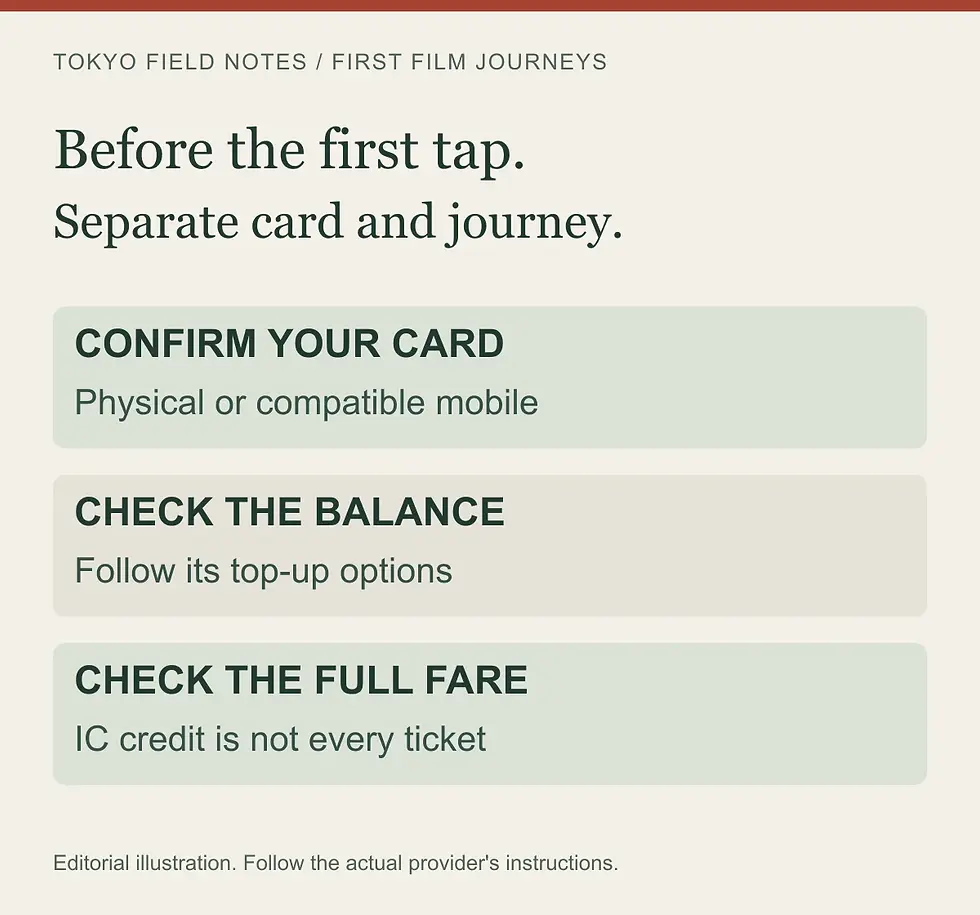
Your first local rail journey, step by step
Choose the destination, operator, line and direction. An IC card handles payment, not navigation.
Make sure you have usable value or an appropriate ticket before joining the gate queue.
Present one intended card or device to the IC reader. Keep other transit cards away from the reader.
Check that the gate has accepted it, then move through without stopping to study your phone.
Keep using the same card or device for that journey's entry and exit. If the gate rejects it, move aside and ask staff instead of forcing through.
Prepare each traveler's fare arrangement individually; do not plan to pass one prepaid card back through a gate to cover a whole group.
For children, ask the operator about the correct child card or ticket and any identification needed. Simply giving a child an adult card is not a way to request the child fare.
Once you are through, use our platform queue guide and train etiquette guide for boarding and bag handling.
Top-ups: keep a workable backup
Physical-card charging and mobile charging use different processes. JR East describes cash charging for regular physical Suica; PASMO describes station machines and participating shops. Do not arrive at a charging machine expecting your overseas credit card to function like cash.
Check your balance before leaving an area with easy access to help. Top up in manageable amounts, especially when using a no-refund visitor card.
There is no universal daily amount: three short local journeys and a day with several transfers are different budgets, and shopping also uses the same stored value.
A useful habit is to separate your small travel reserve from money for booked activities. Keep enough accessible yen for a fallback ticket or physical-card top-up, without turning the transit card into your main travel wallet.
What an IC card does not automatically include
Prepaid value is not an unlimited subway pass, a seat reservation or permission to board every train. JR East's Welcome Suica coverage guide explains interoperable areas and additional tickets for limited-express services. Continuous travel between separate IC areas is restricted.
An airport express or Shinkansen journey deserves its own ticket check. Some services allow a separate ticket to be linked to an IC card or app, but that does not mean merely having a balance buys that journey.
Confirm the train and fare product rather than assuming all airport trains work identically.
Likewise, bank-card contactless travel is a separate operator service. Where available, check its covered lines, gates and payment conditions; do not assume your bank card is a Suica substitute everywhere.
Would a Tokyo subway pass cost less?
Compare the route, not the number of sightseeing stops. Suica/PASMO stored value pays for journeys; a subway pass covers specified operators for a specified time. You can use a pass for covered trips and keep an IC card for others.
Adult option / JPY | Coverage and clock |
IC stored value: pay each fare | No unlimited rides. Keep enough balance for your chosen route. |
Tokyo Metro 24-hour Ticket: ¥700 | Tokyo Metro only, not Toei. Check the medium-specific starting rule below. |
Tokyo Subway Ticket: ¥1,000 / ¥1,500 / ¥2,000 | Tokyo Metro + Toei Subway; 24 / 48 / 72 hours from travel start. |
These are adult prices in Japanese yen, checked October 26, 2026 against Tokyo Metro's ticket comparison and the Tokyo Subway Ticket page. The latter is for eligible visitors; check purchase conditions before paying.
The similarly named Common One-day Ticket for Tokyo Metro & Toei Subway costs ¥1,100 for adults. It is a one-day product, not the same rolling 24-hour visitor ticket. A familiar logo does not make the conditions identical.
The clock trap: the paper Tokyo Metro 24-hour Ticket starts at first use; its PASMO-loaded IC version runs from purchase. The QR version runs from travel start. Follow the exact product's conditions, not a rule borrowed from another format.
Our three-step value check: list your definite journeys in the official fare/transfer search, mark which are covered, then add only those fares. Do not count a JR Yamanote ride or a private-railway section as subway-pass savings.
Illustrative totals, not quoted route fares: if covered journeys would cost ¥900, a ¥1,000 pass costs ¥100 more. If they total ¥1,120, it saves ¥120. Remove an optional ¥220 journey and that saving disappears.
This “remove one optional trip” test avoids buying a pass that only works if you rush. Compare the complete day too: a longer walk or detour to stay within coverage may outweigh a small saving.
Coverage does not follow the train: a service may continue onto another operator's tracks without a transfer. That does not extend a subway-only ticket. Check the boundary and any additional fare with staff before travelling.
Do not assume a pass can be loaded onto every Suica, tourist card or mobile card. Check the supported format. At the gate, use the intended pass or ticket; tapping a separate stored-value card is a different payment choice.
Show staff your ticket and route: 「この乗車券は、この区間で使えますか?」 — “Can I use this ticket for this section?”
Reading: Kono jōshaken wa, kono kukan de tsukaemasu ka?
Keep airport travel out of the savings total unless that exact section is included. Compare our Haneda arrival guide and Narita arrival guide separately, then plan local sightseeing around your actual hotel and meeting point.
Three quick answers before you leave
Which logo should I choose? For everyday Tokyo travel, choose the product you can buy, use and top up reliably. Buying both usually creates extra balance to manage rather than a better itinerary.
Can I keep the card for another trip? Check the exact card's terms. A physical 28-day tourist card should not be treated as a reusable regular card.
What if I cannot exit? Use the staffed gate and explain where you entered. A low balance, an incomplete earlier transaction or another issue needs the operator's help, not a second entry tap with a different device.

Turn transport preparation into a calmer Tokyo day
Continue with station exits and meeting points and luggage storage planning. For a private photo walk, compare our Experiences and share your dates, group and walking needs.
Transport is paid separately unless your written proposal says otherwise; sending an inquiry takes no payment.
Source check: 6 October 2026. Operator pages above support the product facts; the decision checklist is our editorial planning advice, not a report of a personally tested journey.
Availability and terms can change. The diagrams are original editorial illustrations, not official operator card designs.
Opening photo: Tokyo Metro at Tokyo Station, MaedaAkihiko, October 2021. CC BY-SA 4.0. Resized for display; no customer or operator endorsement.


Comments